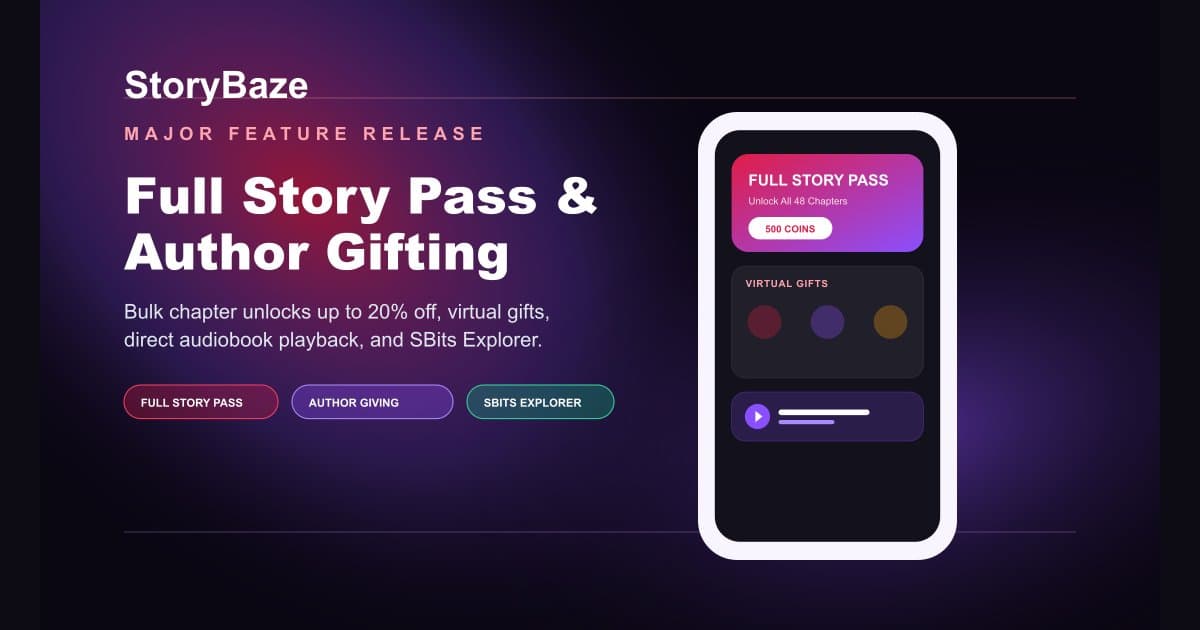
Introducing Full Story Pass, Author Fans Gifting & Short TV Explorer
August 7, 20265 min readBy StoryBaze Team
#Announcements#Product Updates
A comprehensive guide to using Full Story Passes, bulk chapter savings, interactive author gifting, direct home audiobook playback, Create Whisper UI improvements, and Short TV discovery on StoryBaze.
Empowering Creative Freedom and Reader Delight
Great storytelling deserves seamless access and genuine community support. Whether you are binge-reading a gripping romance series, listening to audiobooks on the go, or publishing original literature, our latest platform release introduces powerful new tools designed to make reading more affordable, author appreciation more rewarding, and listening effortless.
<h2 class="text-2xl sm:text-3xl font-bold text-white pt-6">Full Story Pass & Bulk Chapter Savings</h2>
<p class="text-white/70 text-base leading-relaxed">Readers no longer need to unlock chapters one by one. With Bulk Chapter Unlocks, you can select bundles of 5, 10, 20, or all chapters at once, saving up to 20% on regular coin costs. Furthermore, for completed series, authors can offer a single Full Story Pass for instant lifetime reading access.</p>
<div class="my-8">
<div class="relative aspect-[4/3] max-w-xl mx-auto rounded-3xl overflow-hidden border border-white/15 shadow-2xl bg-[#13111C]">
<img src="/images/storybaze-bulk-unlock-infographic.svg" alt="Bulk Chapter Unlocks & Full Story Pass" class="w-full h-full object-cover" />
</div>
<p class="text-xs text-white/40 font-mono mt-3">Tiered bulk chapter discounts up to 20% off and Full Story Pass access.</p>
</div>
<div class="bg-black/40 border border-white/10 rounded-2xl p-6 text-left space-y-3 text-sm my-6">
<h3 class="font-bold text-[#A78BFA] uppercase tracking-wider font-mono text-center mb-3">How to Access This Feature</h3>
<p><strong class="text-white">For Readers:</strong> Open any story overview screen or chapter paywall view, tap the <strong>Bulk Unlock</strong> button, choose your preferred tier (5, 10, 20, or All Chapters), and confirm your unlock with automatic coin savings applied.</p>
<p><strong class="text-white">For Authors:</strong> Visit your Author Dashboard, select any completed story, scroll to the <strong>Full Story Pass</strong> card, enable the toggle, and set your desired coin price for full story access.</p>
</div>
<h2 class="text-2xl sm:text-3xl font-bold text-white pt-6">Author Fans & Virtual Gifting</h2>
<p class="text-white/70 text-base leading-relaxed">Show direct gratitude to the writers behind your favorite stories. Our new Virtual Gifting system allows readers to send interactive rewards—ranging from Lollipops and Air Kisses to Crowns and Space Rockets—while competing on the official Top Fans leaderboard.</p>
<div class="my-8">
<div class="relative aspect-[4/3] max-w-xl mx-auto rounded-3xl overflow-hidden border border-white/15 shadow-2xl bg-[#13111C]">
<img src="/images/storybaze-author-gifting-infographic.svg" alt="Author Fans & Virtual Gifting" class="w-full h-full object-cover" />
</div>
<p class="text-xs text-white/40 font-mono mt-3">Interactive virtual rewards and Top Fans leaderboard rankings.</p>
</div>
<div class="bg-black/40 border border-white/10 rounded-2xl p-6 text-left space-y-3 text-sm my-6">
<h3 class="font-bold text-[#A78BFA] uppercase tracking-wider font-mono text-center mb-3">How to Access This Feature</h3>
<p><strong class="text-white">Sending a Gift:</strong> On any story overview screen, tap the <strong>Fans</strong> card to open the Gifting modal. Select your gift item, pick a multiplier (x1, x5, x10, x50, x100), and tap <strong>Reward Now</strong>.</p>
<p><strong class="text-white">Viewing Top Fans:</strong> Tap the <strong>Leaderboard</strong> button in the gifting view to see the top 50 fan contributions for that story.</p>
</div>
<h2 class="text-2xl sm:text-3xl font-bold text-white pt-6">Direct Home Audiobook Playback</h2>
<p class="text-white/70 text-base leading-relaxed">Listening to your favorite audiobooks is now faster and more intuitive. Listeners can play a novel audiobook directly from Home Feed story cards without needing to open the full reader screen first. Even more audiobook experience improvements will continue to roll out in upcoming updates!</p>
<div class="my-8">
<div class="relative aspect-[4/3] max-w-xl mx-auto rounded-3xl overflow-hidden border border-white/15 shadow-2xl bg-[#13111C]">
<img src="/images/storybaze-home-audiobook-infographic.svg" alt="Direct Home Audiobook Playback" class="w-full h-full object-cover" />
</div>
<p class="text-xs text-white/40 font-mono mt-3">Instant one-tap audiobook playback directly from Home Feed story cards.</p>
</div>
<div class="bg-black/40 border border-white/10 rounded-2xl p-6 text-left space-y-3 text-sm my-6">
<h3 class="font-bold text-[#A78BFA] uppercase tracking-wider font-mono text-center mb-3">How to Access This Feature</h3>
<p><strong class="text-white">Playing Audiobooks:</strong> Tap the audio playback icon directly on any story card from your Home Feed to start listening instantly.</p>
</div>
<h2 class="text-2xl sm:text-3xl font-bold text-white pt-6">Create Whisper UI Improvements</h2>
<p class="text-white/70 text-base leading-relaxed">Expressing your thoughts and micro-stories is now simpler with our updated Create Whisper UI layout. Customize background colors, pick background music, add category tags or stickers, and include location tags when sharing your thoughts.</p>
<div class="my-8">
<div class="relative aspect-[4/3] max-w-xl mx-auto rounded-3xl overflow-hidden border border-white/15 shadow-2xl bg-[#13111C]">
<img src="/images/storybaze-create-whisper-infographic.svg" alt="Create Whisper UI Improvements" class="w-full h-full object-cover" />
</div>
<p class="text-xs text-white/40 font-mono mt-3">Express micro-stories with dynamic gradient palettes, ambient audio, and stickers.</p>
</div>
<div class="bg-black/40 border border-white/10 rounded-2xl p-6 text-left space-y-3 text-sm my-6">
<h3 class="font-bold text-[#A78BFA] uppercase tracking-wider font-mono text-center mb-3">How to Access This Feature</h3>
<p><strong class="text-white">Creating a Whisper:</strong> Tap the <strong>+</strong> Create icon in the mobile app, pick your background color, choose background music or stickers, tag your category or location, and publish your whisper.</p>
</div>
<h2 class="text-2xl sm:text-3xl font-bold text-white pt-6">SBits Explorer & Discovery</h2>
<p class="text-white/70 text-base leading-relaxed">Discover a universe of fast-paced, high-drama vertical short TV series. The new SBits Explorer allows you to filter by top genres (Billionaire, Revenge, Werewolf, Supernatural), inspect Top Searches, and stream episodes in full screen.</p>
<div class="my-8">
<div class="relative aspect-[4/3] max-w-xl mx-auto rounded-3xl overflow-hidden border border-white/15 shadow-2xl bg-[#13111C]">
<img src="/images/storybaze-sbits-explorer-infographic.svg" alt="SBits Explorer & Discovery" class="w-full h-full object-cover" />
</div>
<p class="text-xs text-white/40 font-mono mt-3">Filter vertical short dramas by top genres and stream full-screen episodes.</p>
</div>
<div class="bg-black/40 border border-white/10 rounded-2xl p-6 text-left space-y-3 text-sm my-6">
<h3 class="font-bold text-[#A78BFA] uppercase tracking-wider font-mono text-center mb-3">How to Access This Feature</h3>
<p><strong class="text-white">Exploring SBits:</strong> Tap the <strong>SBits</strong> tab on the app home screen or Whisper feed, or tap <strong>View All</strong> on New Arrivals or Top Searches to open the dedicated SBits Category Explorer screen.</p>
</div>